

One binary. 25 tools.
Images, video, PDFs, ports and your clipboard. Run one bare for a console, or script it.
- Windows
- macOS
- Linux
- x64 and ARM64
The whole toolbox.
Search by name or by the job. Every card has a command you can copy.
25 tools

JustOptimize
Images
Let the smallest format win.
Tries real PNG, WebP, and JPEG encodes, then picks the smallest useful result. Transparent images stay transparent. Handy when you want a lighter image without guessing the format.
justoptimize hero.pngWhat to expect
Keeps the source and writes a smaller result as hero-optimized.<format>. JPEG is excluded when the image needs transparency. No external encoder is required.
Command guide
JustResize
Images
Make it the right size.
Fits an image inside your chosen dimensions while keeping its proportions. Set a width, a height, or an exact crop. Smaller images stay small unless you ask to upscale.
justresize photo.jpg --width 1200What to expect
Keeps the source. The default fits within 1920 × 1920. Add --crop with both width and height for an exact centered crop.
Command guide
JustCrop
Images
Lose the empty edges.
Trims transparent space around the visible artwork. For a folder of animation frames, shared bounds give every frame the same canvas so the subject stays in place.
justcrop logo.pngWhat to expect
Keeps the source and its format. Every nonzero-alpha pixel counts by default. Use --shared-bounds for aligned animation frames.
Command guide
JustRMBG
Images
Keep the subject. Drop the background.
Cuts out a subject with local BRIA RMBG-2.0 inference and saves a transparent PNG. Auto mode prefers acceleration and reports when it needs CPU support or a fallback.
justrmbg portrait.jpg --downloadWhat to expect
Keeps the original and writes portrait-nobg.png. --download allows the pinned runtime and model download. --serve keeps the model loaded for programs: about 0.1 s a picture on DirectML. BRIA model weights need a separate license for commercial use.
Command guide
JustJPG
Images
A JPEG ready for the web.
Creates a progressive JPEG with sensible quality settings and optimized encoding. Transparent inputs get a white background, or a color you choose. The original stays beside the result.
justjpg photo.pngWhat to expect
Default quality is 85. Writes photo-optimized.jpg and strips metadata. JPEG cannot store transparency; --background sets the fill color.
Command guideJustPNG
Images
Put that PNG on a diet.
Runs PNGs through pngquant to reduce their size. Use it on one image or a folder, with an output directory when you want to keep the originals alongside the optimized copies.
justpng art.png --output optimizedWhat to expect
Uses pngquant quality 65–90 by default. With no --output, replaces the source only when the result is smaller. Animated PNGs are rejected.
Command guideJustWebP
Images
Smaller images, familiar format.
Converts still images to compact WebP files for websites and apps. Choose a separate output folder to keep a full set of originals while you prepare the web versions.
justwebp photo.png --output webWhat to expect
This example keeps the source. Without --output, the source is removed only after a smaller WebP is safely installed. Animated and multi-page inputs are rejected.
Command guideJustAVIF
Images
Give your photos the AVIF treatment.
Encodes opaque still images as AVIF with adjustable quality and speed. It checks the resulting size before removing a source, and refuses inputs whose transparency or animation would be lost.
justavif photo.jpg --output webWhat to expect
This example keeps the source. Defaults are quality 60 and speed 6. Without --output, the original is removed only after a smaller AVIF is safely installed.
Command guide
JustVideo
Audio & video
Get the clip ready to share.
Turns a local video or a media URL into a streaming-ready H.264 MP4. Pick a resolution from 480p through 4K, or keep the source dimensions. It never upscales the video.
justvideo clip.mov --resolution 1080pWhat to expect
The default is 720p, CRF 28, with AAC audio. Writes clip-web.mp4 and keeps local inputs. FFmpeg and yt-dlp download automatically when needed, with vendor checksum verification.
Command guide
JustAudio
Audio & video
Take the sound with you.
Extracts a video's soundtrack or converts an audio file to compact AAC/M4A. Media links work too: yt-dlp downloads the source, then the same audio settings do the conversion.
justaudio interview.mp4What to expect
Defaults to AAC-LC at 160 kb/s and 48 kHz. Local sources are kept. URL inputs need yt-dlp; conversion needs FFmpeg.
Command guideJustMP3
Audio & video
An MP3 for almost anything.
Creates a high-quality MP3 from audio, video, or a media URL. Useful for a soundtrack you want to listen to, or a recording that needs to play on a wider range of devices.
justmp3 recording.wavWhat to expect
Uses LAME variable bitrate at quality 2 and 48 kHz. Keeps local sources. FFmpeg handles conversion; URL inputs also use yt-dlp.
Command guideJustWAV
Audio & video
Bring it into your editor.
Converts audio or a video's soundtrack to an editing-ready WAV. It also accepts media URLs when the recording you need lives online. You get an uncompressed file for the next step.
justwav recording.m4aWhat to expect
Defaults to stereo 16-bit PCM at 48 kHz. Keeps local sources. FFmpeg handles conversion; URL inputs also use yt-dlp.
Command guide
JustJSON
Documents & data
Make sense of the curly brackets.
Formats messy JSON, validates a file, or pulls out one nested value. Minify it for transport or sort the keys for a cleaner diff. Piped input prints the result straight to stdout.
justjson data.json --get user.nameWhat to expect
--get prints a value; --check validates without writing. Formatting files is in place by default. --output writes copies; --dry-run previews changes.
Command guide
JustPDF
Documents & data
The PDF jobs, in one command.
Inspect, merge, split and compress PDFs, or pull out the pages, images and links you need. It rotates pages too. Input PDFs are always kept intact.
justpdf extract --pages 1-3 guide.pdfWhat to expect
Page numbers start at 1; ranges can include last. Outputs go beside the input unless --output chooses another location. --dry-run previews the plan.
Command guide
JustLinks
Documents & data
Find the links buried in your files.
Collects unique links from PDFs, Office documents, and text files. CSV output includes each link's title and where it appeared. Different YouTube URL shapes collapse to one video link.
justlinks guide.pdf plan.xlsx --csvWhat to expect
Reads sources without changing them. Writes links.csv with title, file, location, and occurrence count. Add --recursive to search nested folders.
Command guide
JustSVG
Documents & data
Clean up the vector file.
Optimizes SVGs with a Rust-native, SVGOMG-style engine. Its conservative preset preserves the viewBox and IDs, along with titles and accessibility attributes that the surrounding page may rely on.
justsvg logo.svg --output optimizedWhat to expect
This example keeps the source. Default precision is 3 with multipass optimization. Without --output, a source is replaced only when the optimized SVG is smaller.
Command guide
JustQR
Documents & data
Turn a link into a scan.
Makes a QR code from a URL or any text. Save a PNG, choose SVG for a scalable version, or draw it right in the terminal. Size, colors, and error correction are adjustable.
justqr "https://justgains.com"What to expect
The default is qr.png at 1024 px with error correction Q and a four-module quiet zone. --svg creates a vector; --terminal prints it.
Command guide
JustPaste
Files & clipboard
Give your clipboard somewhere to land.
Saves whatever you copied: images as PNG, files, links, even a Git repo cloned into its own folder. Paste it as Markdown, HTML, JSON, OCR text, an MP3 or an MP4 instead. On Windows, Ctrl+V in Explorer does it for you.
justpaste --clipboard --as mdWhat to expect
Existing names get a number, never an overwrite. Ctrl+Shift+V opens a picker of every paste-as action that fits. just paste --enable turns on Smart Paste in Explorer. AI paste reads its key only from your environment.
Command guide
JustZip
Files & clipboard
Zip the project, skip the clutter.
Archives files, folders, or a mixed selection. Git working trees honor their ignore rules, so the ZIP leaves out the usual build clutter. Ordinary folders work without Git and include their contents recursively.
justzip project --dry-runWhat to expect
This example previews the archive without writing. Sources stay intact. An existing destination ZIP is replaced atomically after the new archive is fully written.
Command guide
JustPorts
Development
Where did that dev server go?
Shows running development servers with their project details and lets you open them in a browser. It remembers discovered servers, with launch recipes for bringing a stopped project back later.
justports --snapshotWhat to expect
--snapshot is read-only. The interactive view has Running Now and Launch Again areas. Stopping a server requires confirmation and rechecks the process identity.
Command guide
JustPort
Development
Find who's sitting on that port.
Looks up a local port's listener and the process behind it. Get a readable answer in the terminal or JSON for a script. An explicit kill option can stop a revalidated, same-user process.
justport 4321 --jsonWhat to expect
Inspection does not stop anything. --kill is explicit and checks ownership and process identity before termination. Use JustPorts for the live multi-server view.
Command guide
JustIP
Development
See the address the internet sees.
Reports your public IPv4 and IPv6 addresses together. A missing public route is shown as unavailable. Plain text and JSON output make it easy to use the answer in a script.
justip --jsonWhat to expect
Uses a public lookup service, which sees your public address. -4 and -6 select one family. It writes no files.
Command guide
bunt
Development
Get a handle on stray processes.
Inspects Node, Bun, and Python workloads in an interactive process view. Protect the jobs you want to keep, then stop a selected workload or the revalidated set of unprotected processes.
bunt --snapshotWhat to expect
bunt is an alias for justbunt. --snapshot only reads. Persistent exclusions protect workloads, and termination rechecks the captured process identity.
Command guide
JustCommit
Development
Give the diff a good commit message.
Uses a bounded summary of your changes to write a commit message through OpenRouter. It can create the commit and optionally push. Use --staged to keep it scoped to your current index.
justcommit --staged --dry-runWhat to expect
This example proposes a message from the existing index. Without --staged, even --dry-run stages the full working tree. Requires an OpenRouter API key; pushing is explicit.
Command guide
JustReady
Setup
Set up the next machine.
Opens a curated software picker filtered for your operating system. Installed apps are marked, and dependencies join the plan. Review the exact install commands before letting native package managers do the work.
justready --listWhat to expect
--list only shows the catalog. --install IDS --dry-run previews an install plan. Actual installation may use WinGet, Homebrew, or a Linux package manager.
Command guide
No tool for that yet. Try a format like “png” or a job like “compress”.
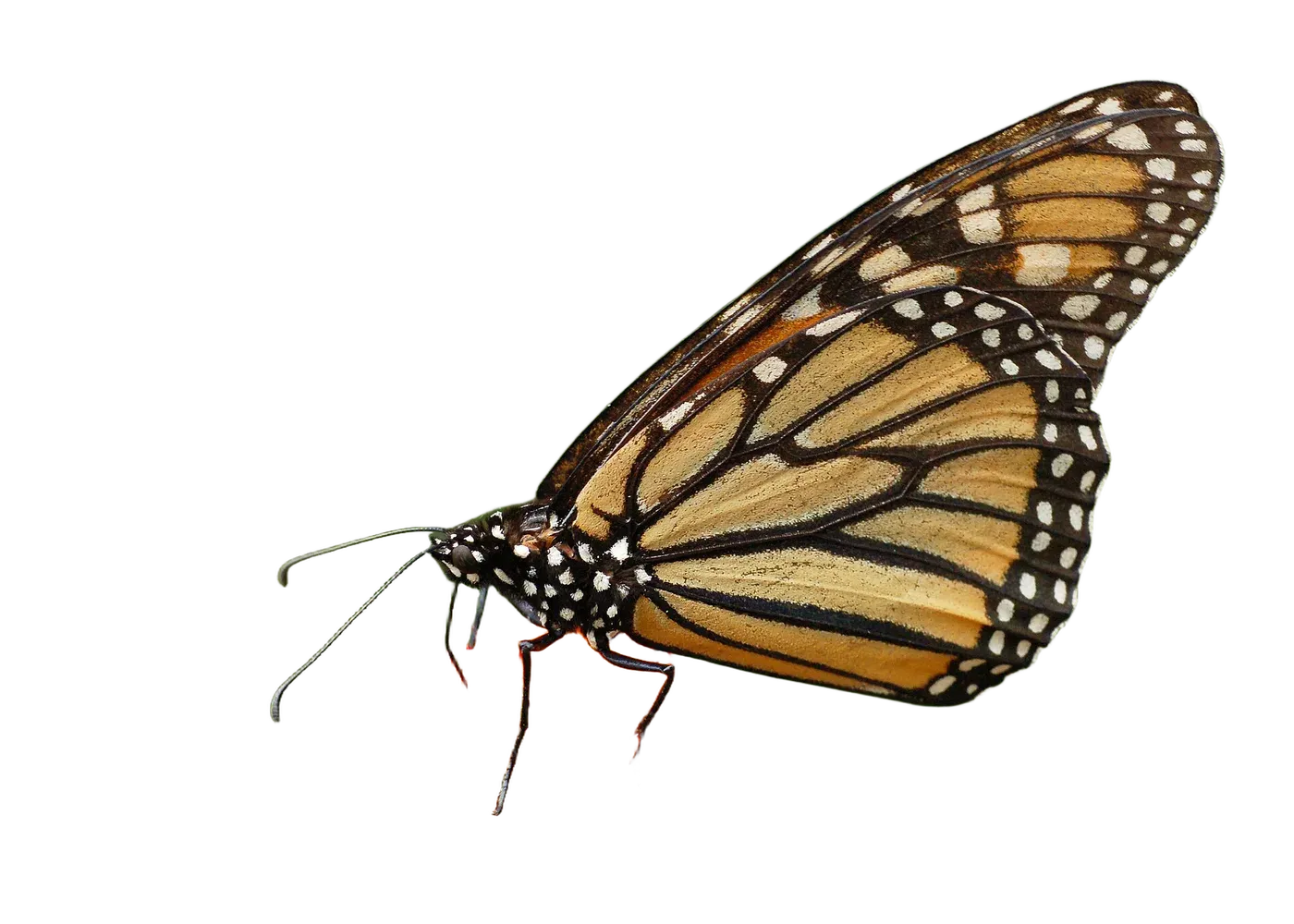
Cut it out.
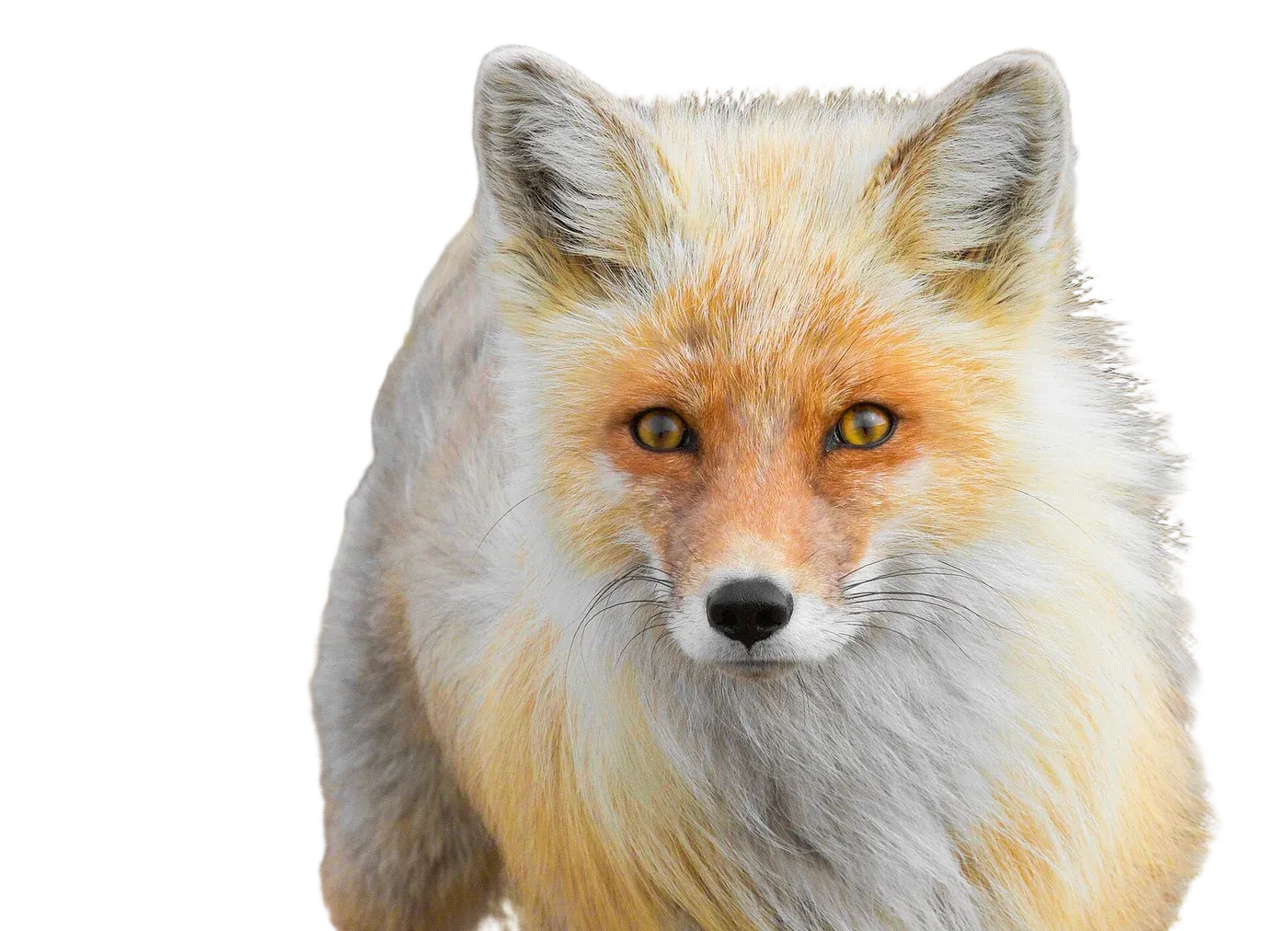
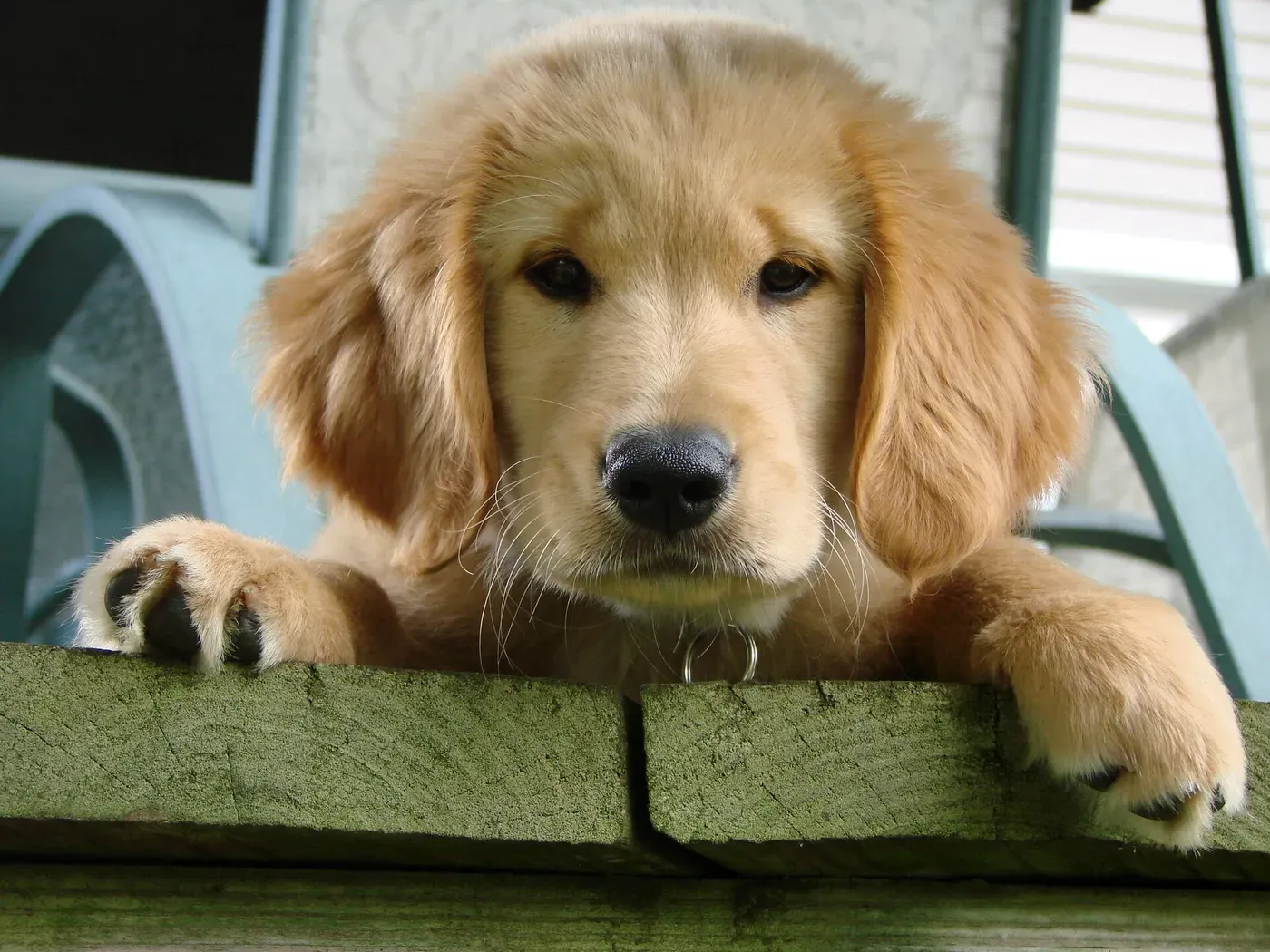
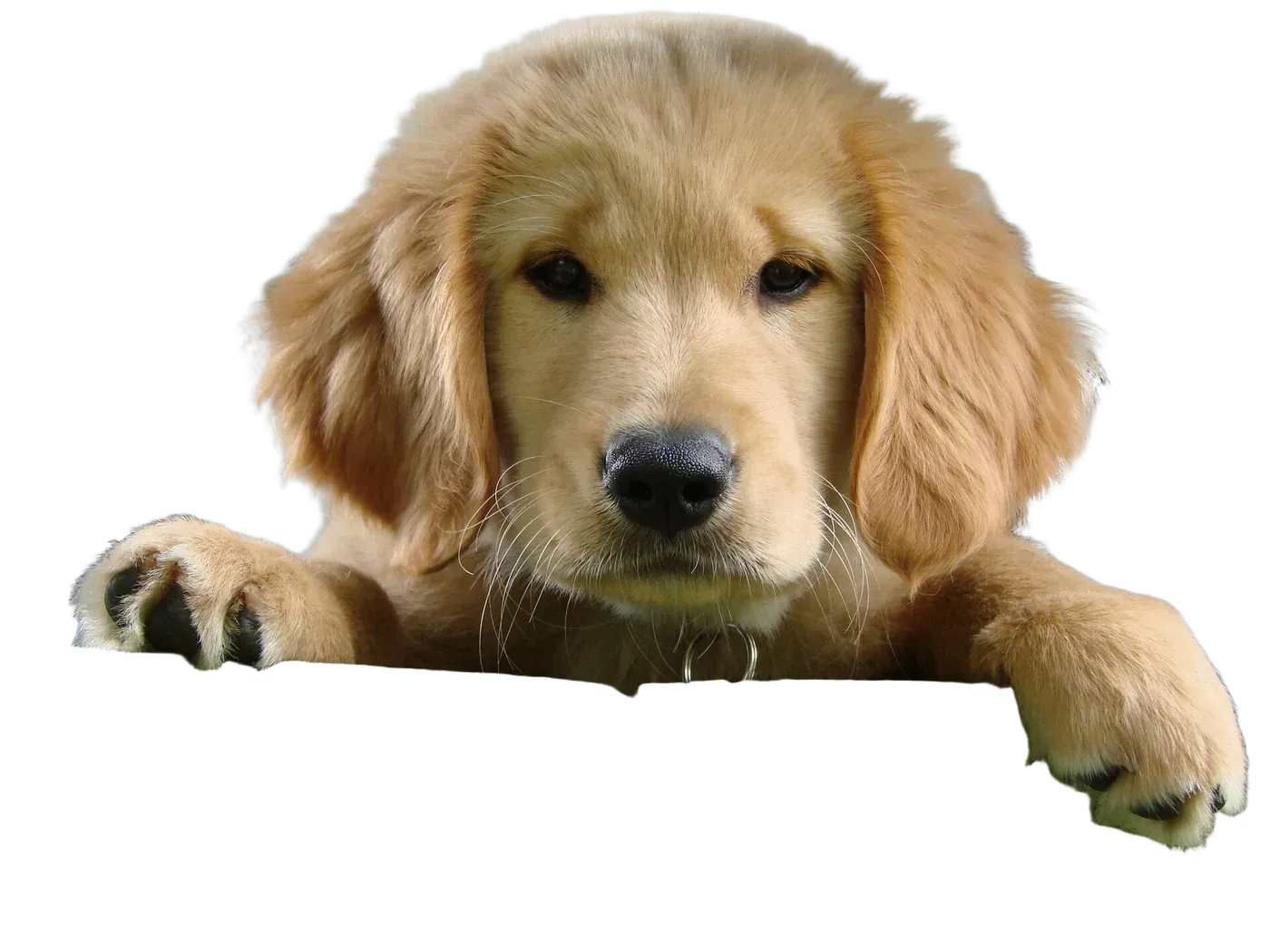
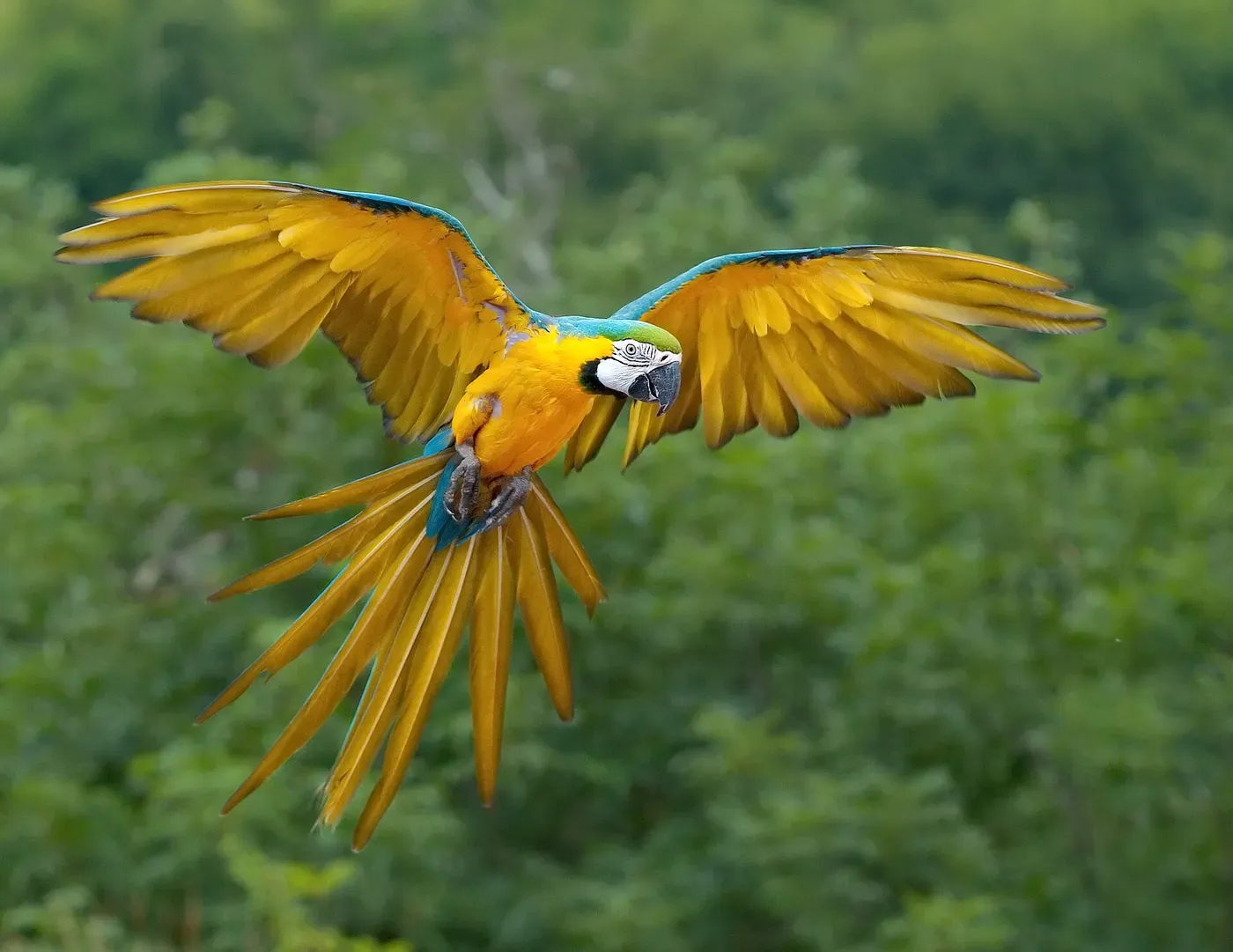
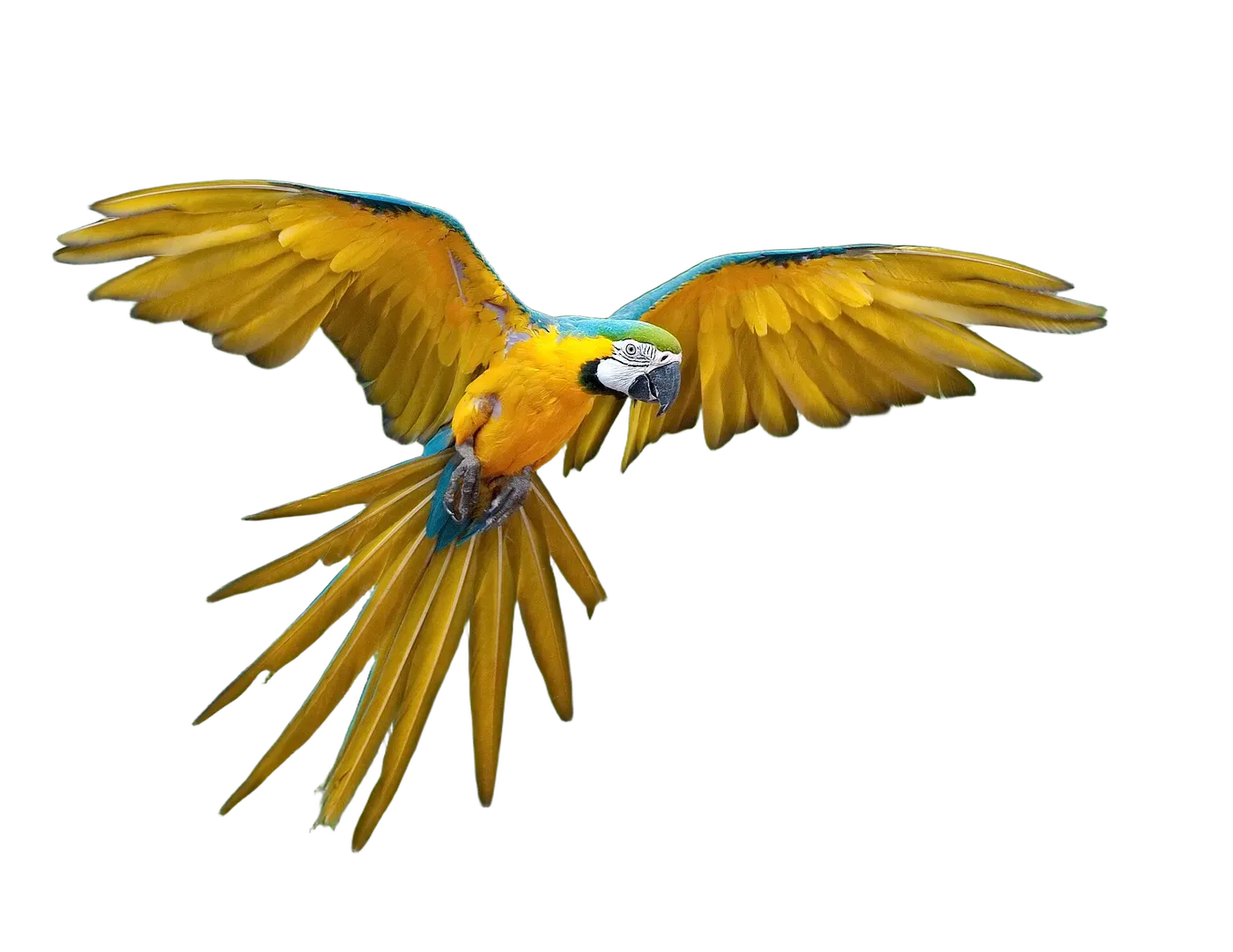
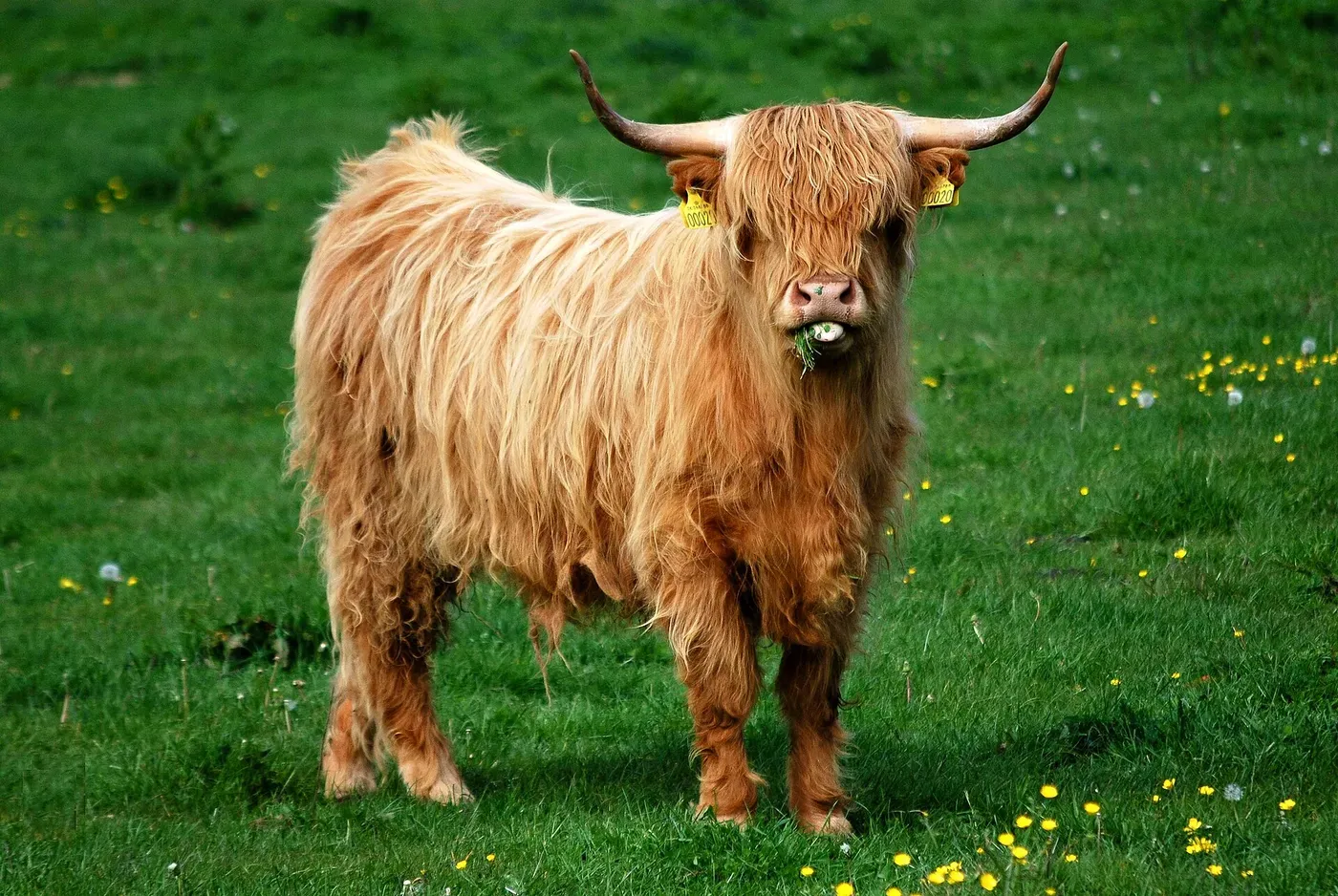
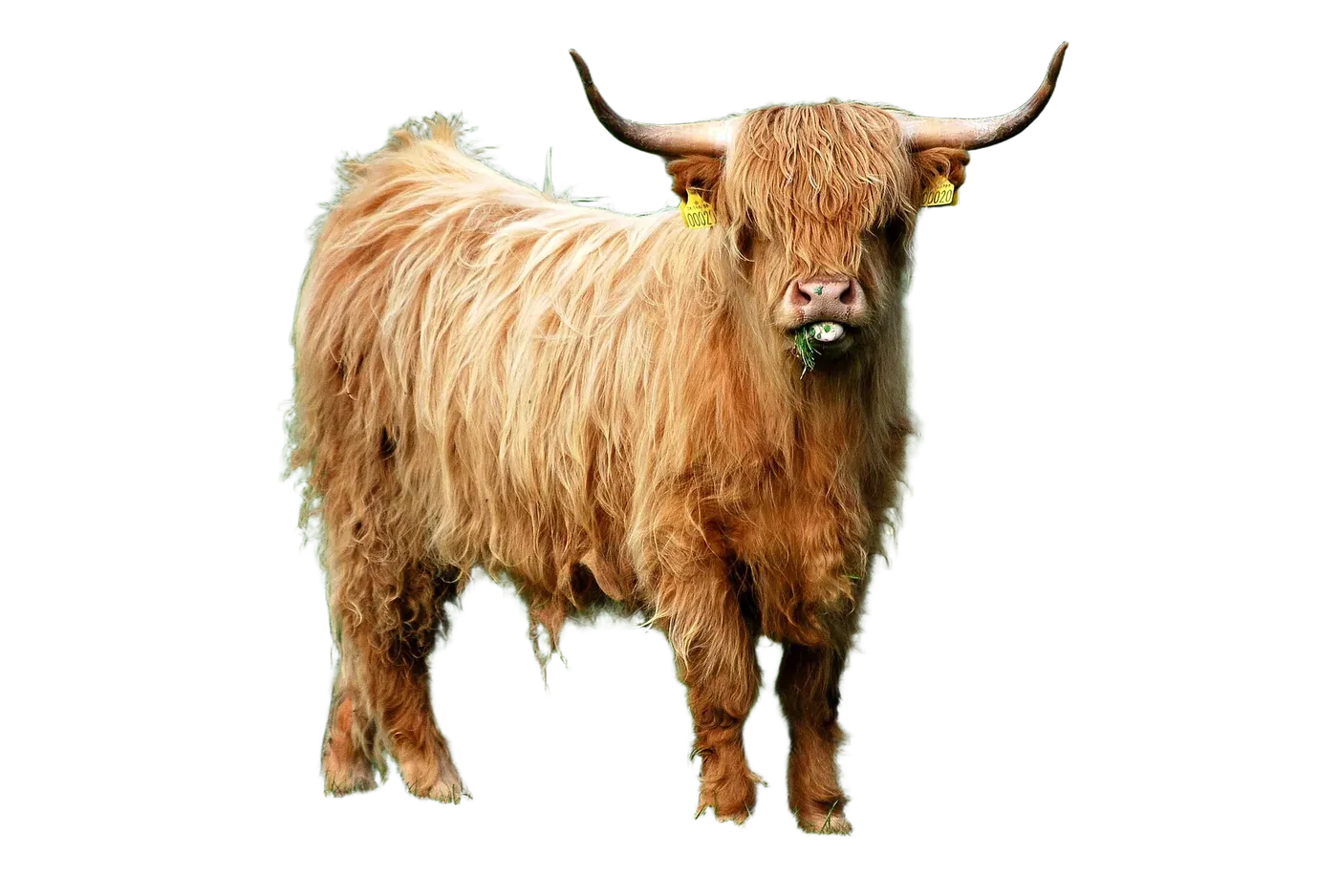
BRIA RMBG-2.0, on your own GPU. Drag the line.
- DirectML
- 0.1s
- TensorRT
- 0.04s
justrmbg portrait.jpg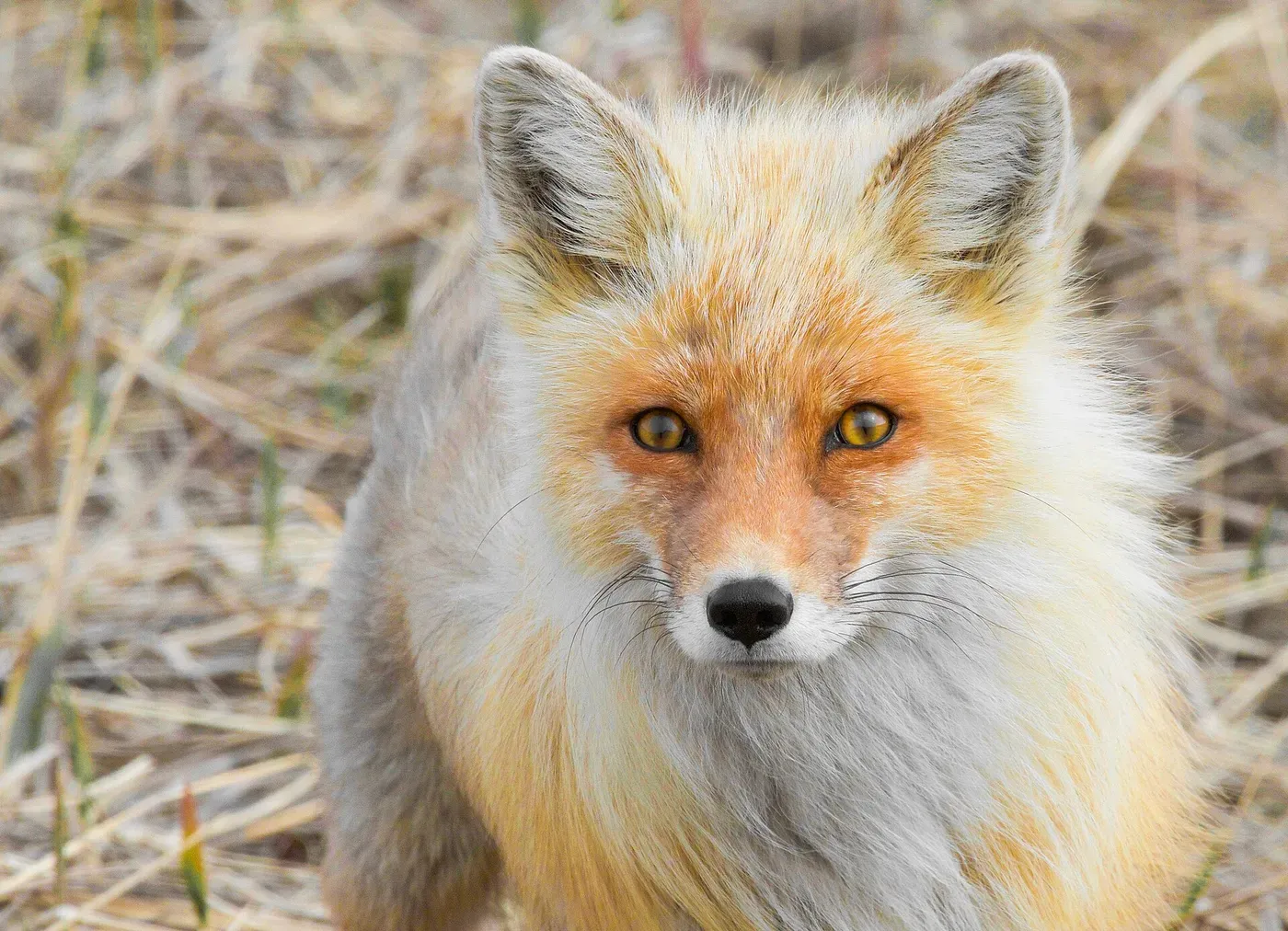
Copy anything. Ctrl+V it into a folder.
JustPaste saves images, files, links, videos and whole Git repos, as whatever you need.
- PNG
- Markdown
- HTML
- JSON
- JPEG
- WebP
- OCR text
- MP3
- MP4
- AI
just paste --enable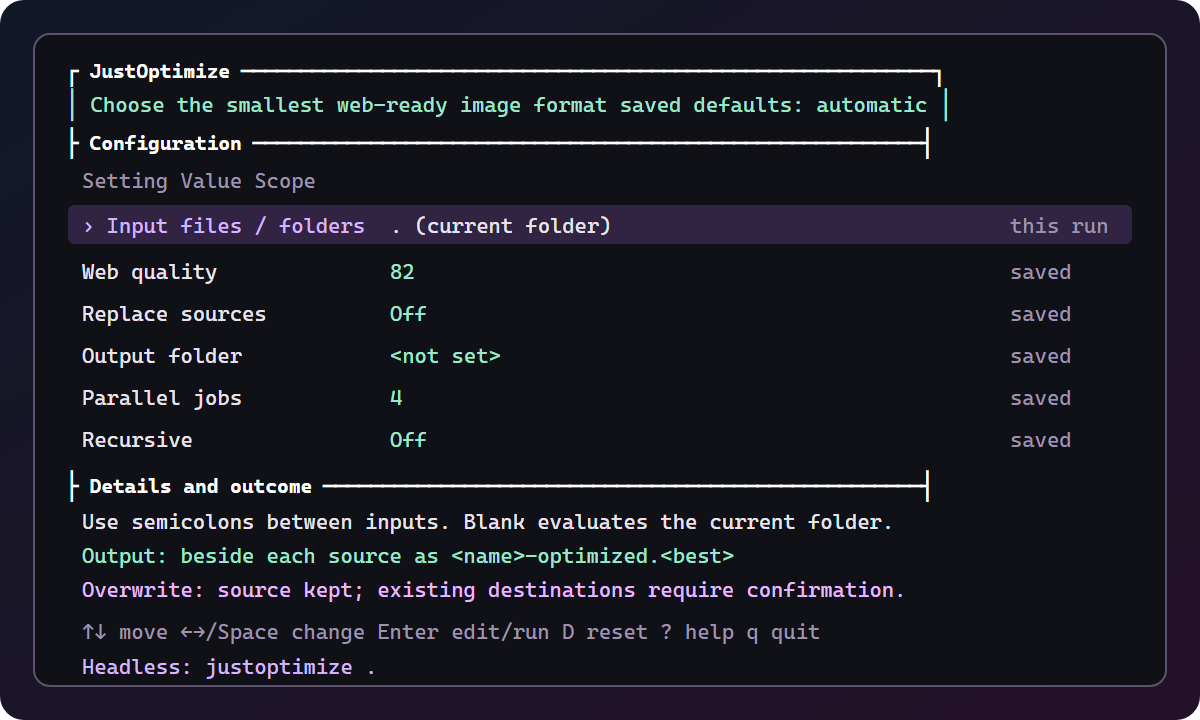
Bare for a console. Args for a script.
- Run it bare. Arrow keys change settings. The footer shows the exact command.
justoptimize - Pass arguments. Same tool, no prompts. Your scripts and your agents use this.
just optimize hero.png --dry-run - Right-click it. On Windows, every tool sits in Explorer's menu.
just context install

Your agent already knows it.
JustTools ships an agent skill: headless arguments, dry runs first, sources kept, outputs checked.
- Claude Code
- Codex
- Cursor
npx skills add JustGains/JustTools --skill justtoolsOr let bro set up the whole machine:
bro install justtools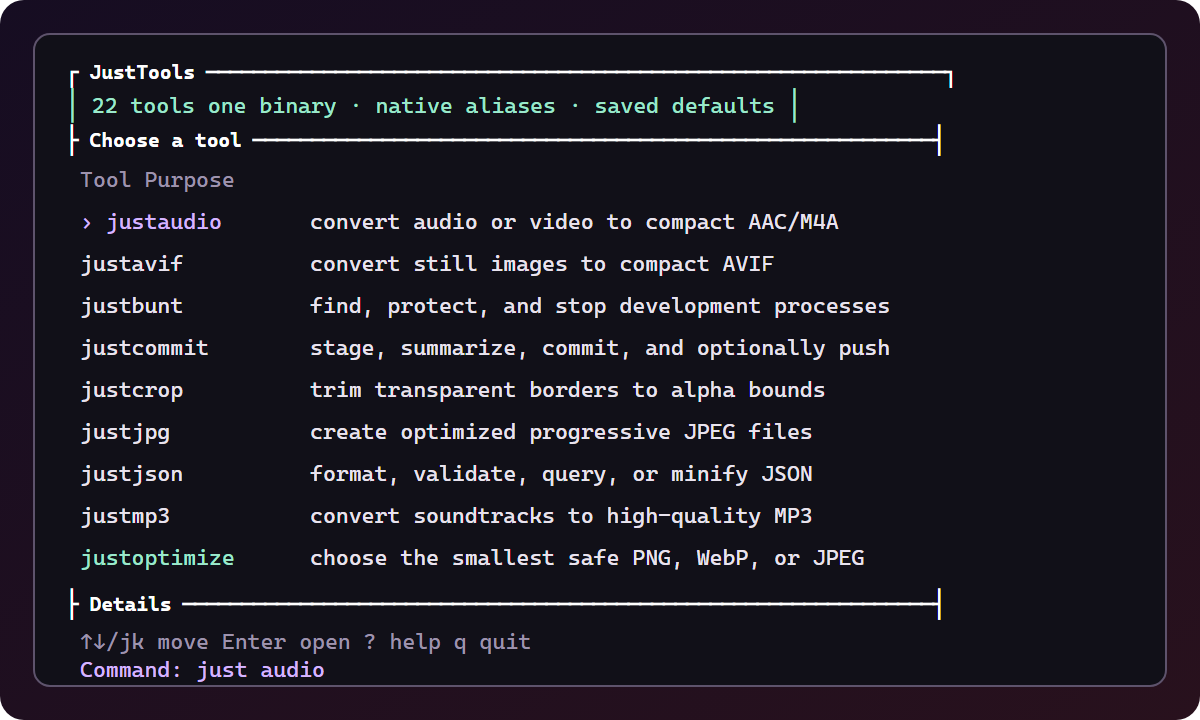
Plus a few shortcuts.
mkcd -p projects/new-ideaCreate a folder and enter it in the same command. Add -p when its parent folders need creating too.
claude_A shortcut for Claude Code with --dangerously-skip-permissions. Extra arguments pass through to the installed Claude CLI.
codex_A shortcut for Codex with --yolo. Extra arguments pass through to the installed Codex CLI.
One install. Every tool.
The installer picks your platform, checks the SHA-256, installs the aliases and opens JustReady.
irm https://raw.githubusercontent.com/JustGains/JustTools/main/ready.ps1 | iex curl -fsSL https://raw.githubusercontent.com/JustGains/JustTools/main/ready.sh | shReopen your terminal, then type just. Prefer a download? Get the latest release.